8. Draft the ESG Report
What is this step?
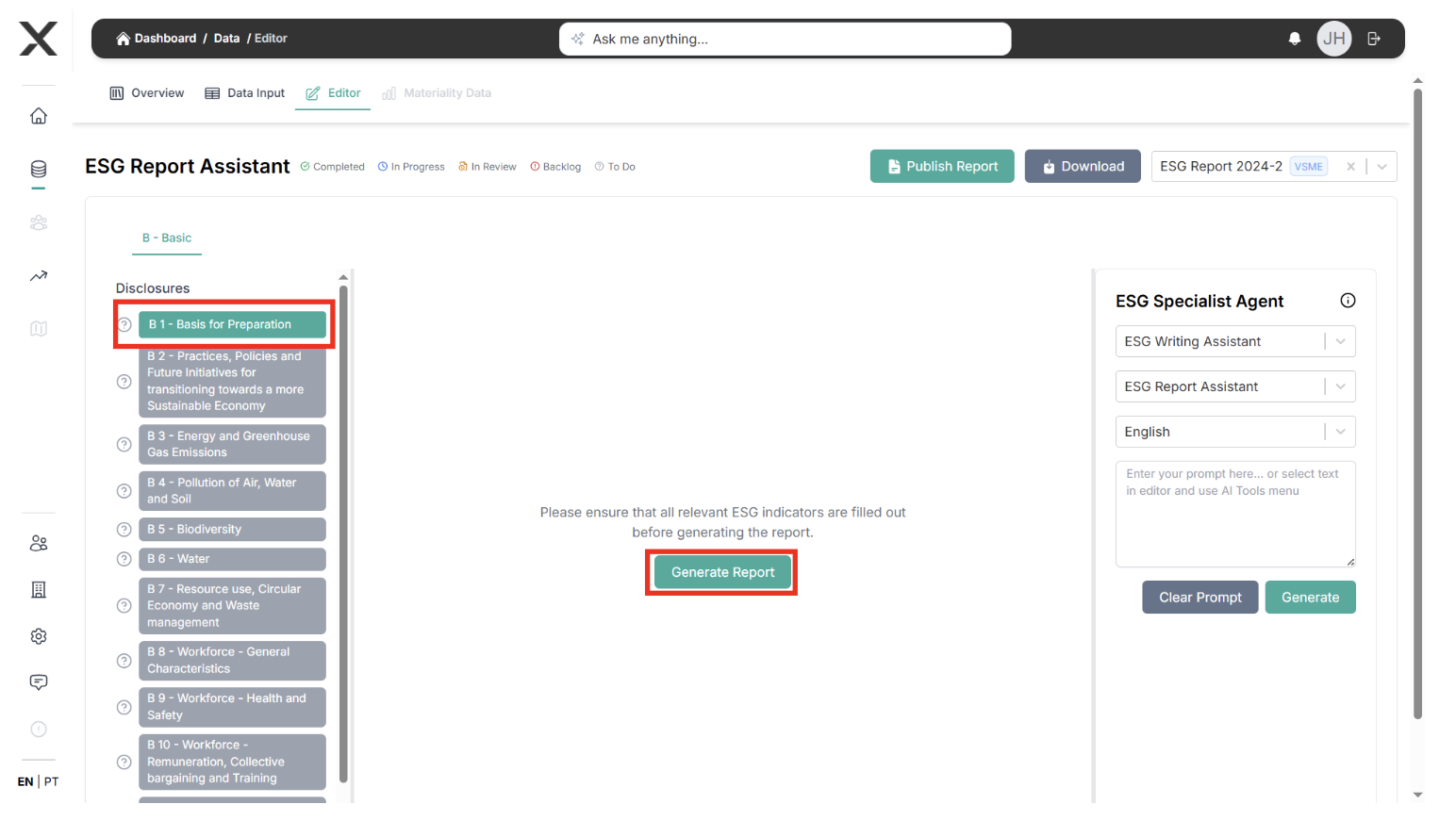
Use the EXO.G report editor to turn your data, PAT and roadmap decisions into a consistent narrative ready for stakeholders.
How you do it
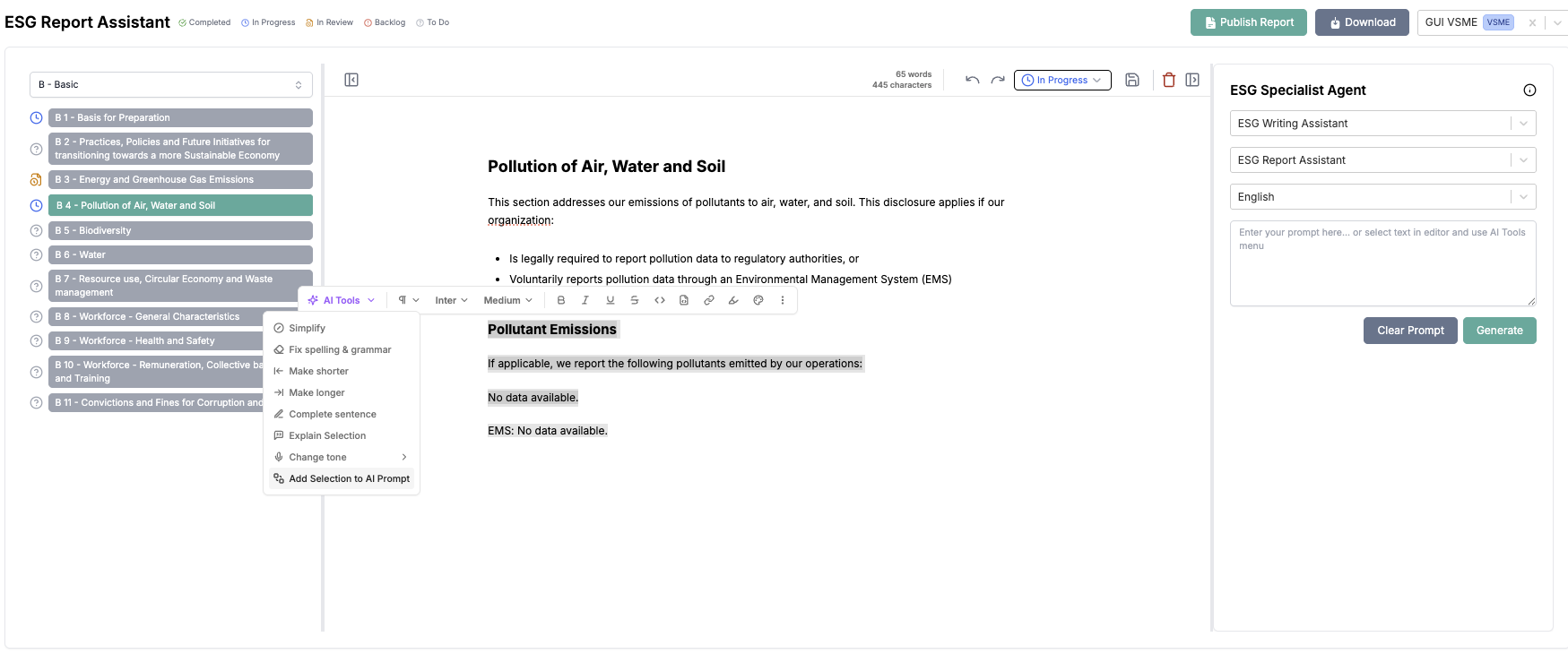
- Go to Report Editor and pick the framework template (CSRD/ESRS, GRI, VSME, etc.).
- For each section:
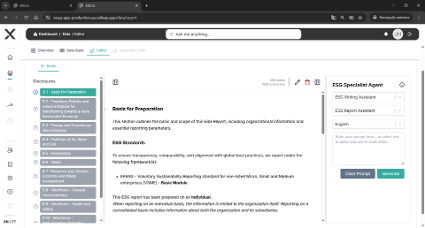
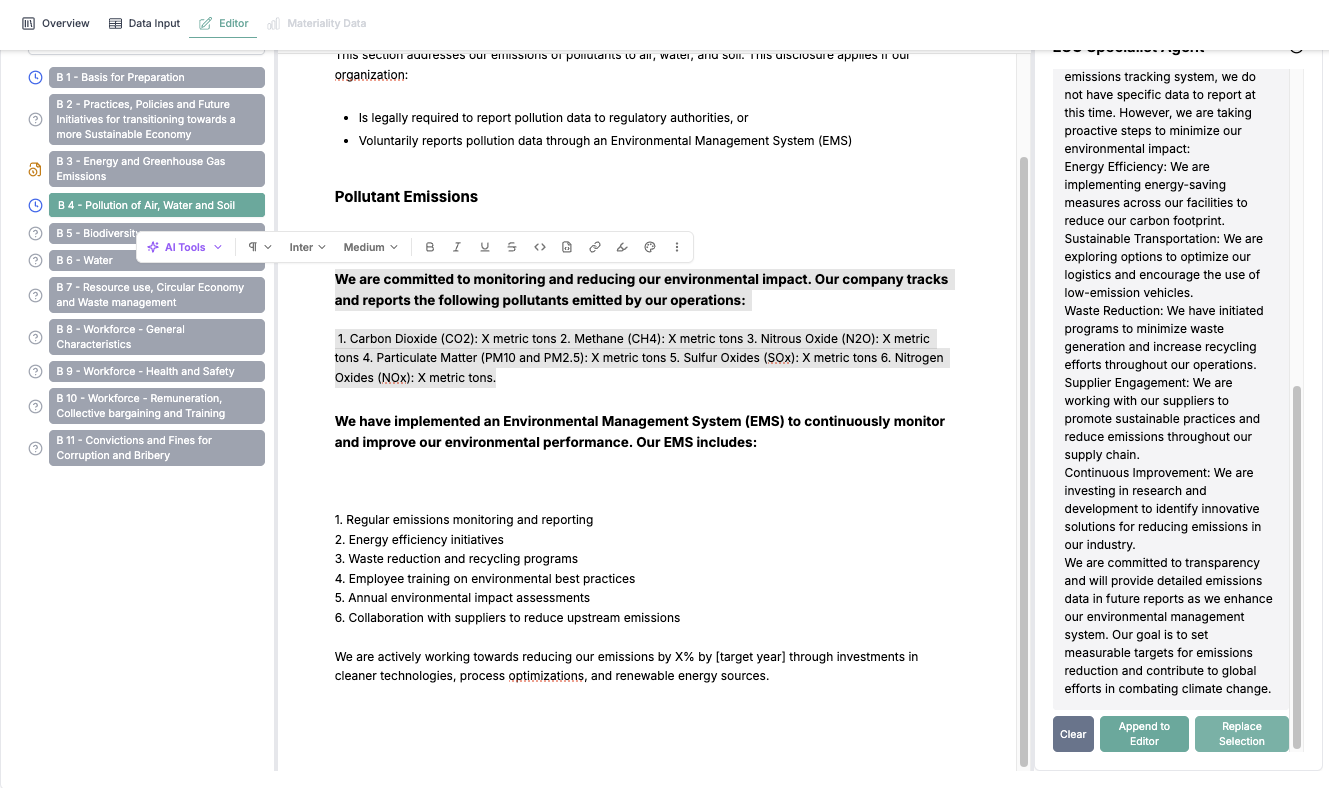
- Pull auto-generated content based on disclosures.
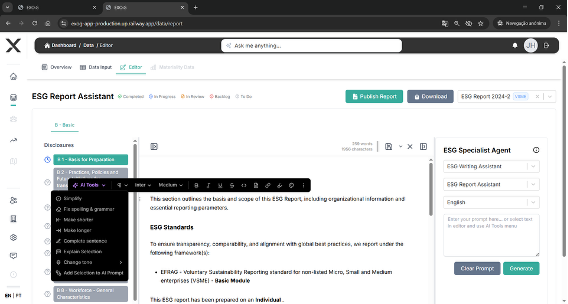
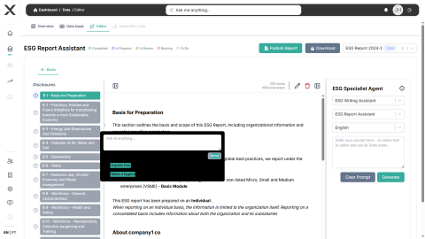
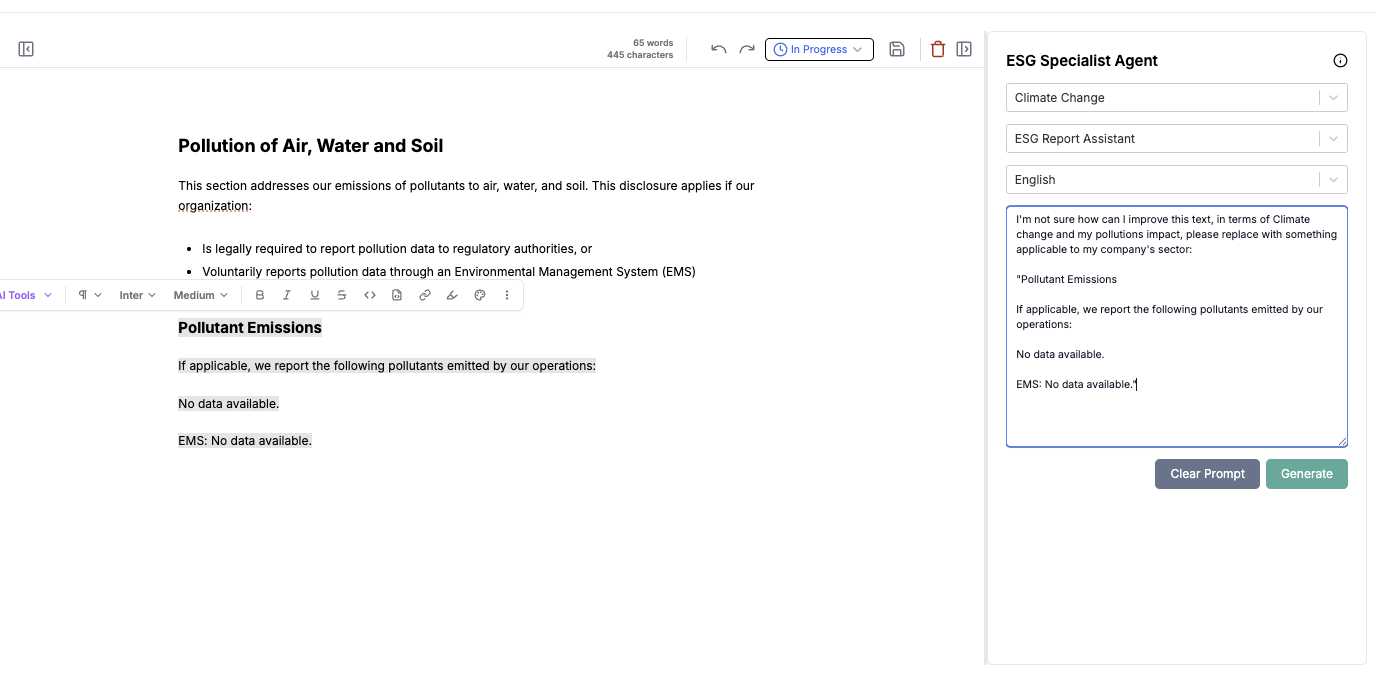
- Enrich with PAT outcomes, entity examples, and AI-assisted rewrites.
- Track the status of every section (To do → Completed) so reviewers focus on the right parts.
- Use collaboration comments for legal/comms reviews before final approval.
Why it matters
- Keeps tone and format consistent with regulatory expectations.
- Connects data, insights and PAT without redoing work in Word/PowerPoint.
- Allows parallel editing with full history.
Main outputs
- Draft ESG report with tracked statuses and comments, ready for monitoring and publication steps.