Drafting Your ESG Report
Turn the data you captured in step 4 into structured report sections.
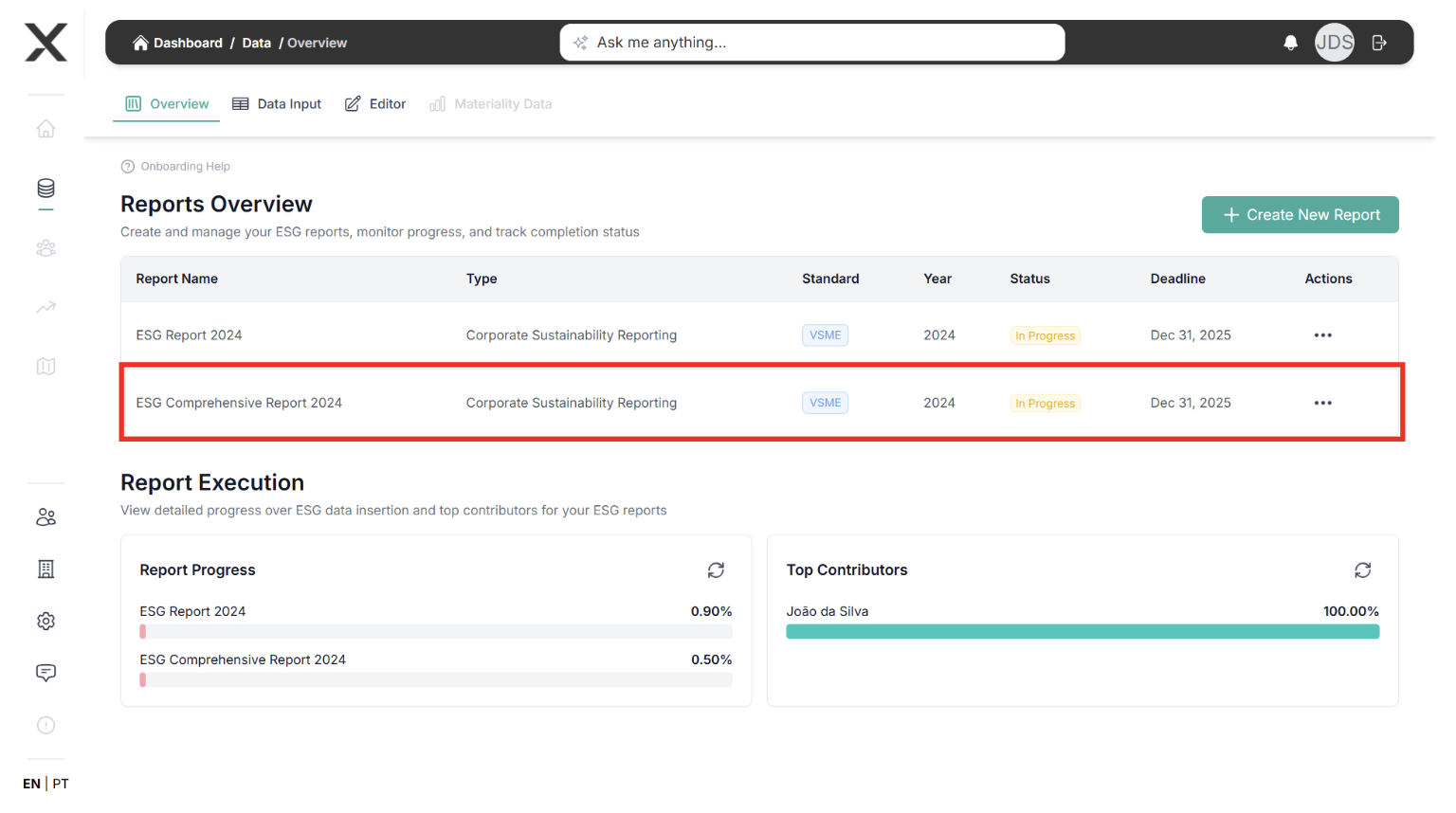
Create or open a report
-
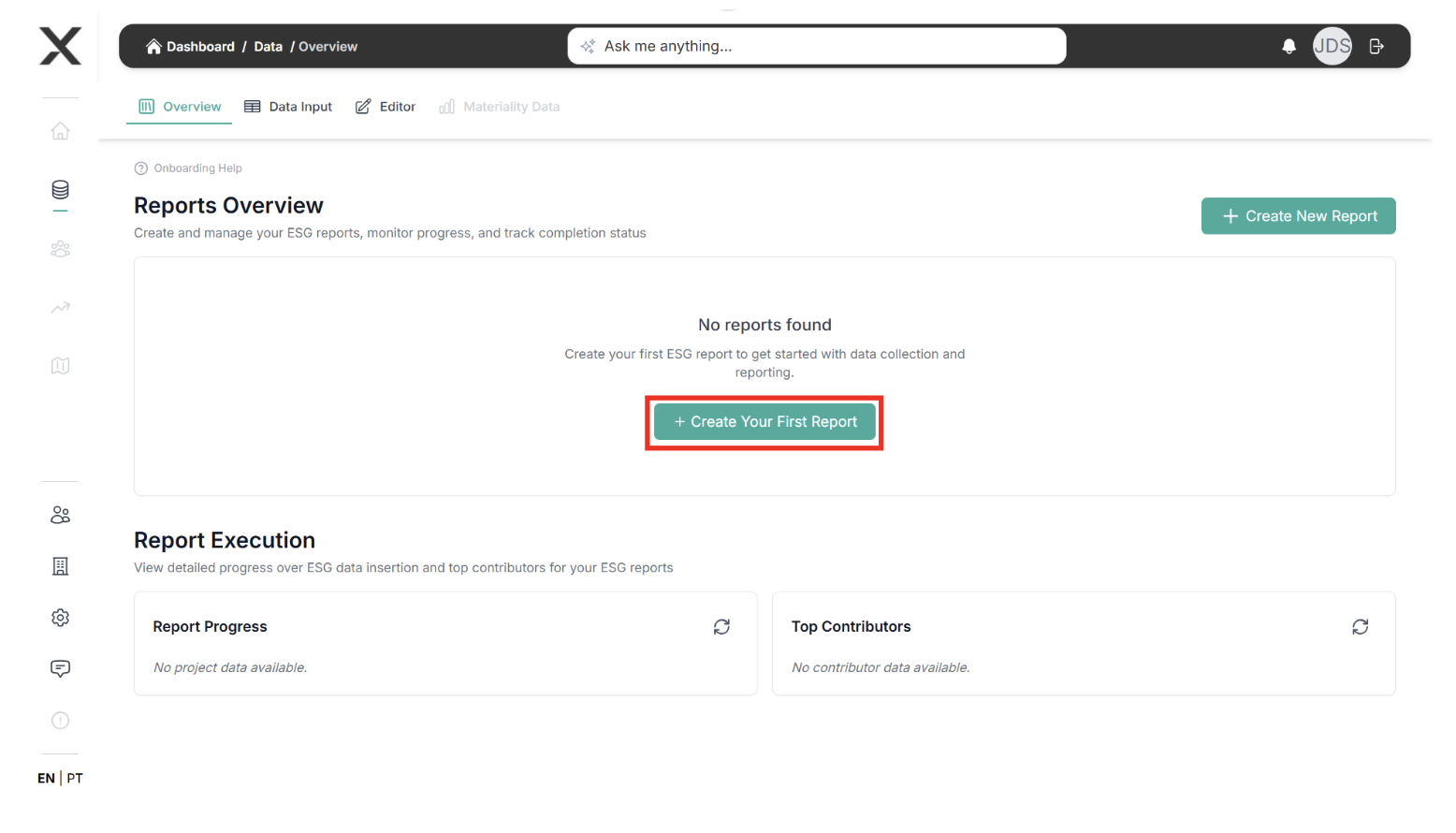
In the side menu, open Manage your ESG Report.
-
Click Create your first report (or select an existing one).
-
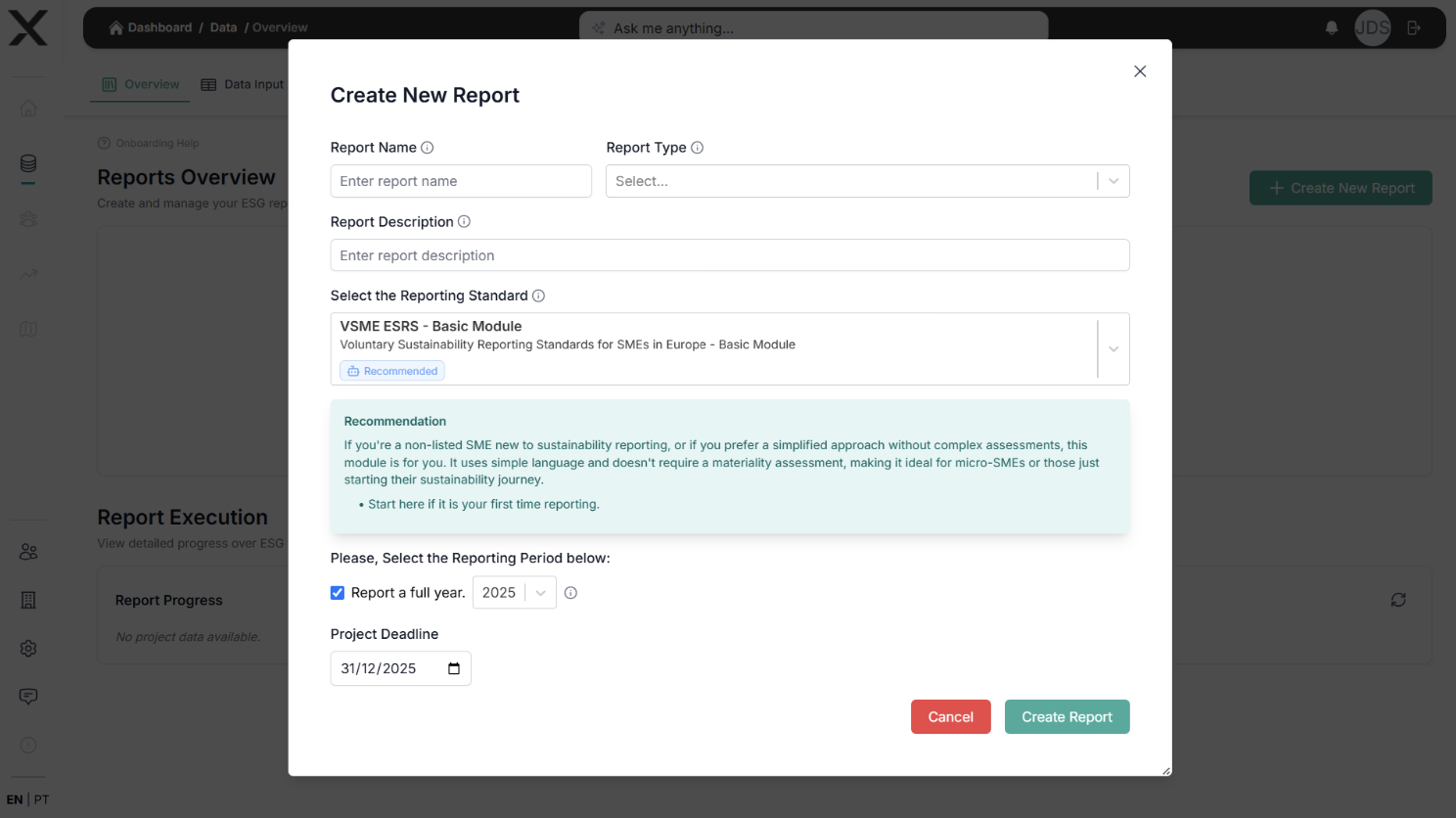
Fill in the essentials:
- Name, framework (VSME basic/comprehensive) and reporting year.
- Reporting period + completion deadline.
Draft each section
-
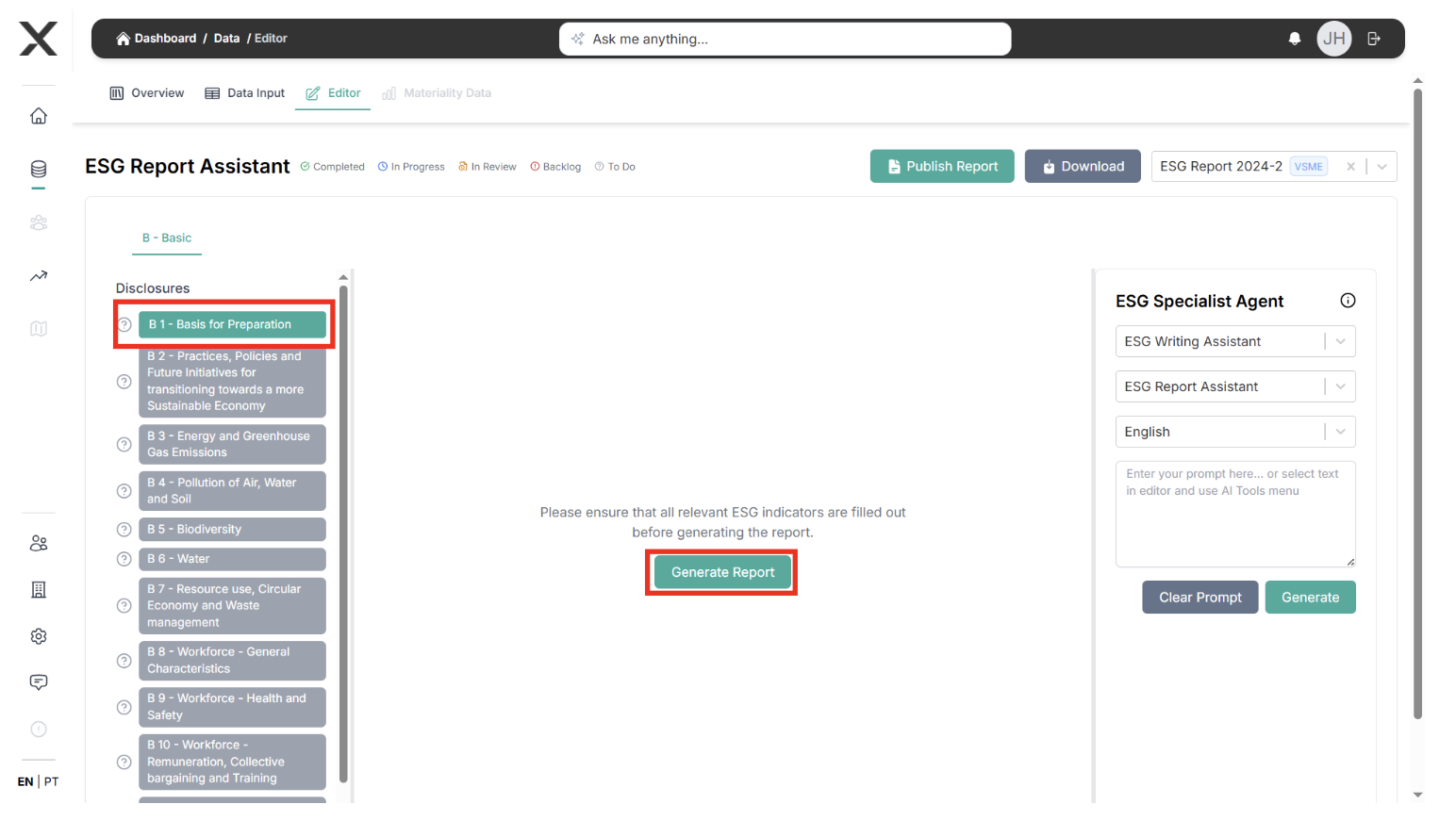
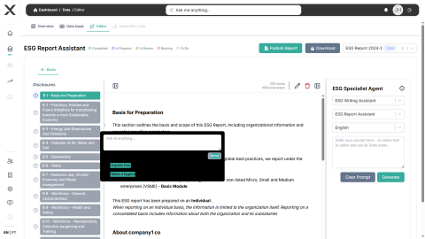
Launch the Report Editor.
-
For every disclosure:
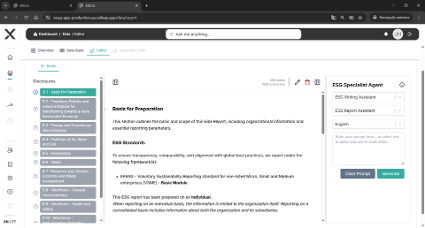
- Pull auto-generated text from the data you entered.
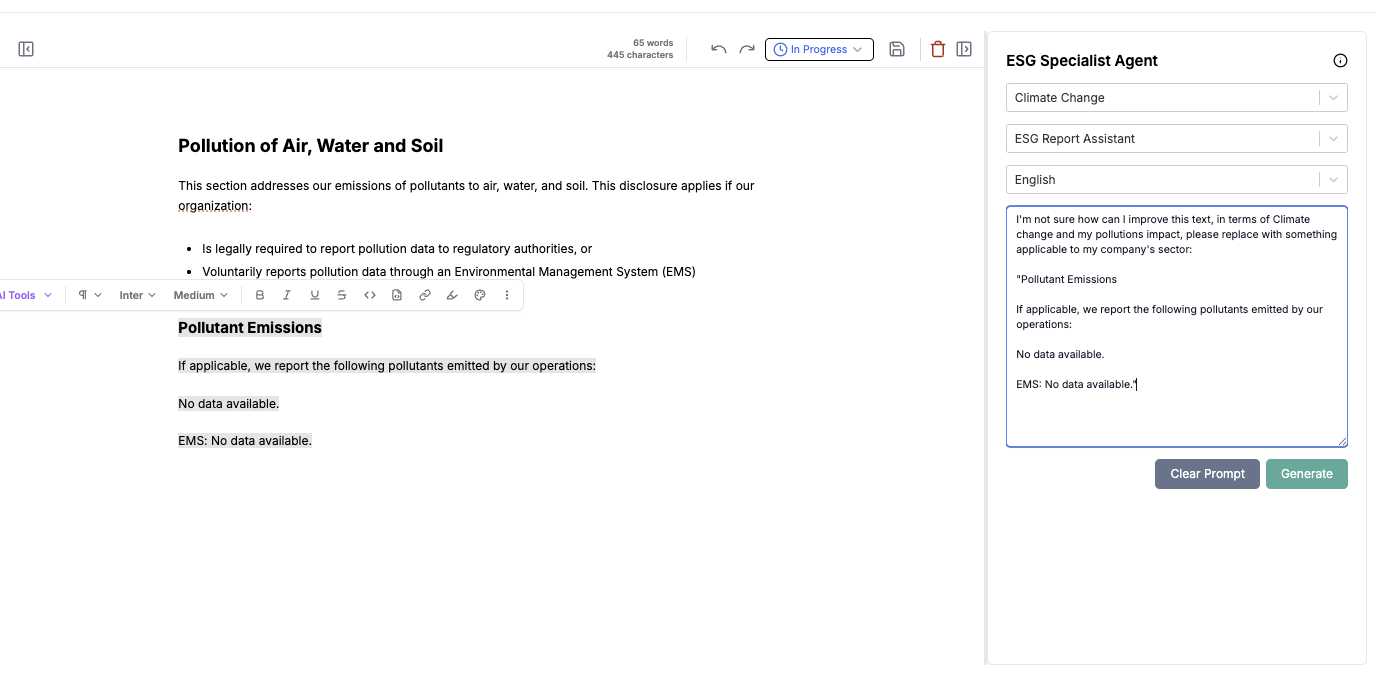
- Refine wording, add commentary, and insert charts/screenshots if needed.
- Use the AI copilot to rewrite or extend paragraphs.
-
Update the status of each section (To do / In progress / Completed) so reviewers know what still needs attention.
Next Steps
Move to Step 6 – Report Generation to publish and export your final document.