10. Generate Report & Next Roadmap
What is this step?
Finalize the ESG report, export it for design/sharing, and update the roadmap for the next reporting cycle.
How you do it
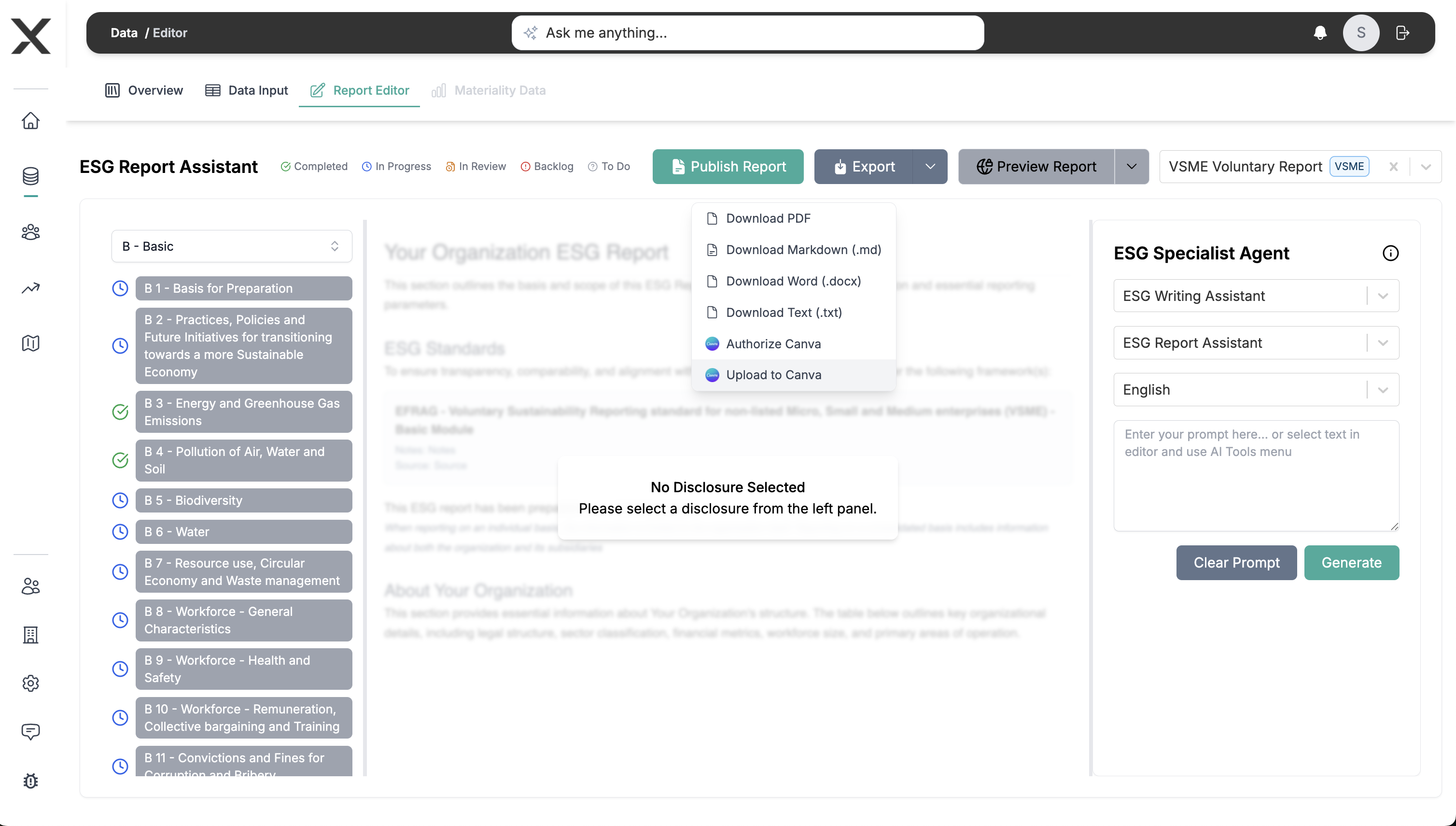
- In Report Generation:
- Mark every section as Completed after final review.
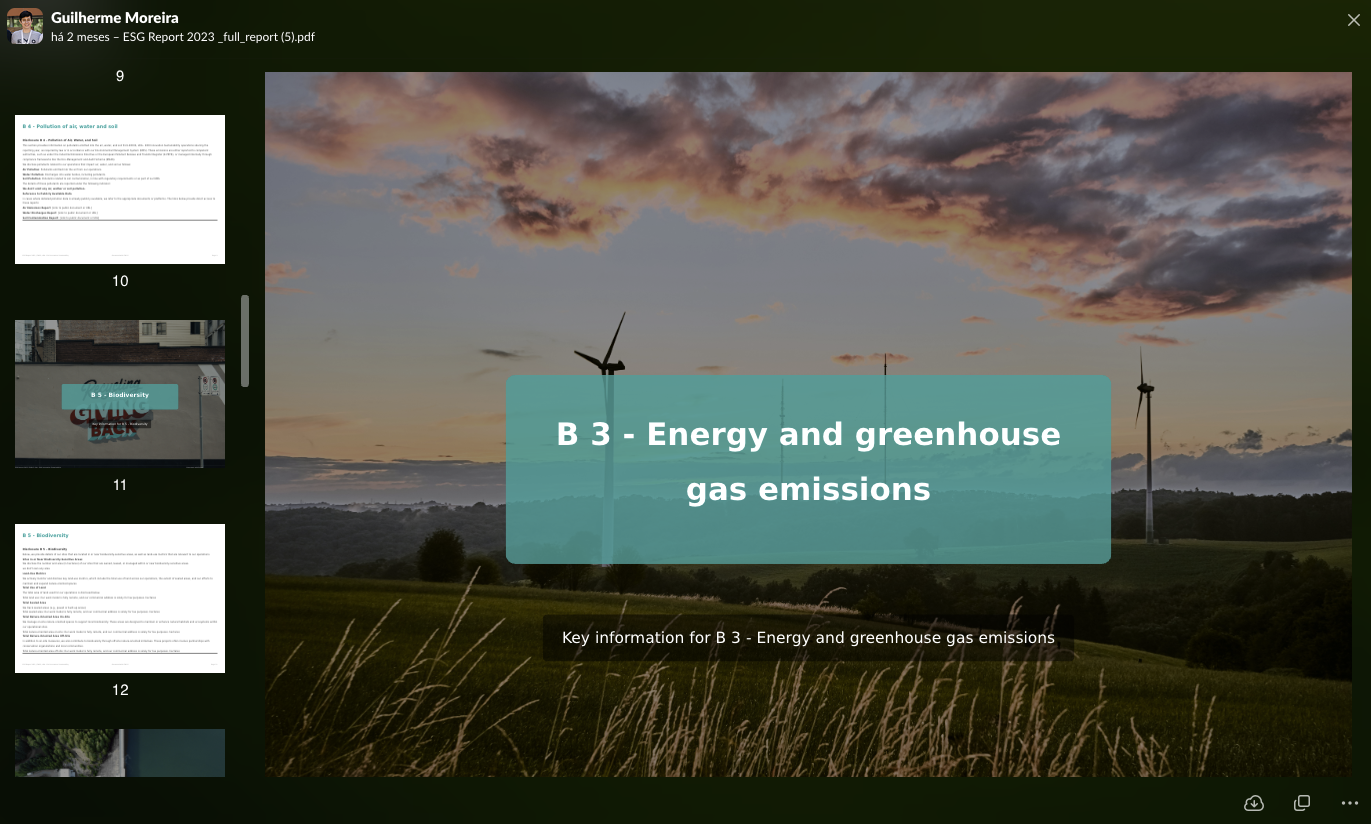
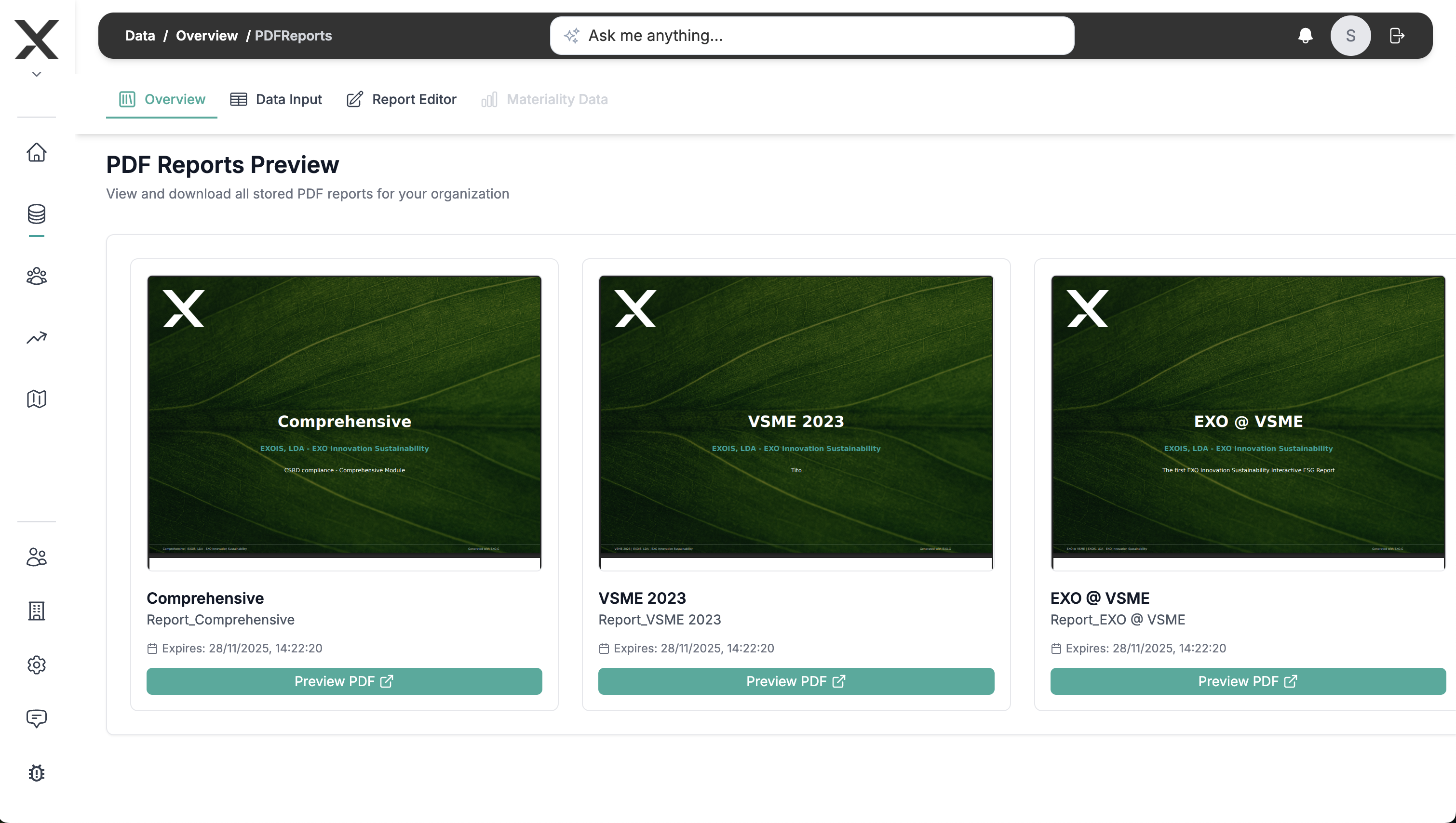
- Use Publish then Export to Canva (or PDF when available) for layout.
- Capture executive summary highlights and PAT commitments for external comms.
- In the Roadmap tab:
- Close tasks tied to this cycle.
- Create new tasks that came out of Monitoring & Insights (next-year plan).
- Store final report files in EXO.G so stakeholders can reference the same source.
Why it matters
- Gives you a final artifact to share with boards, investors, and partners.
- Ensures the next journey starts with a clear backlog instead of a blank slate.
Main outputs
- Published ESG report (Canva export or PDF) and refreshed roadmap for the next reporting cycle.