Team Management
Learn how to set up and manage your organization's ESG team in EXO.G.
Accessing Team Management
- From your dashboard, navigate to the side menu and locate the Users & Teams section.
Creating Teams
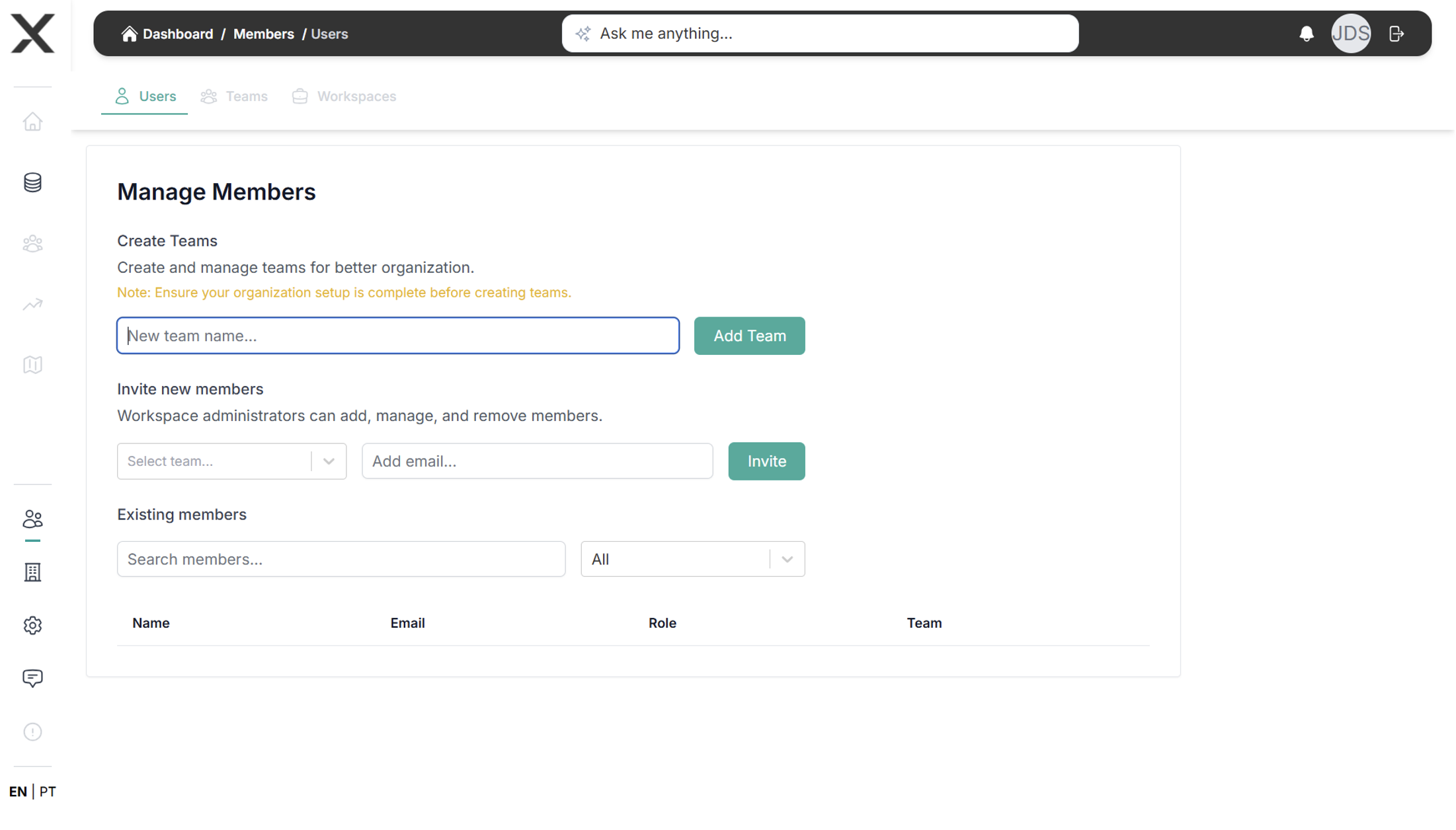
- Go to Team Management > Teams
- Click Create New Team
- Define your team structure:
- Team name
- Description
- Team leader
- Members
Inviting Team Members
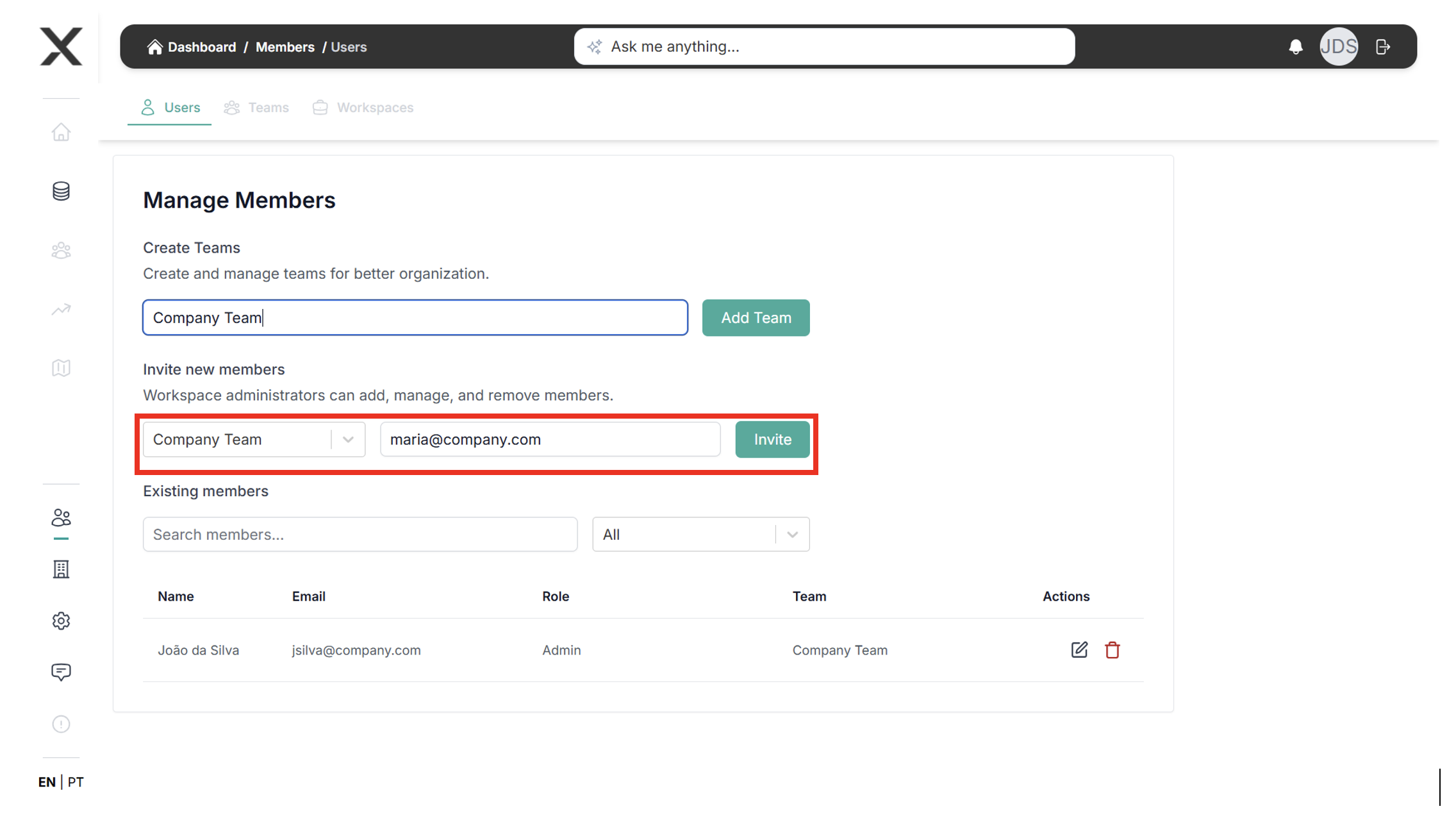
- Click Invite New Member
- Enter the member's email address
- Assign appropriate roles for collaboration on ESG reports
- Click Send Invitation
Understanding User Roles
EXO.G recommends different user roles to manage access and responsibilities:
- Admin: Full system access and user management
- Manager: Can create and edit reports, manage team members
- Editor: Can input data and edit reports
- Viewer: Can view reports and data
- External Reviewer: Limited access for external stakeholders
- Auditor: Specialized access for audit purposes
Best Practices
- Assign clear roles based on expertise
- Maintain proper access control
- Regular review of user permissions
- Document team structure
- Enable two-factor authentication
Collaboration Features
- Task Assignment: Delegate specific ESG tasks
- Progress Tracking: Monitor completion status
- Internal Chat: Communicate within the platform
- Notification Settings: Configure alert preferences
Need to adjust team settings? Contact your system administrator or reach out to our support team at support@exo-team.com.
Next step: Step 4 – Data Input.