Risk Management - Stay Ahead of Issues
Identify, assess, and mitigate ESG risks and opportunities systematically.
What is Risk Management?
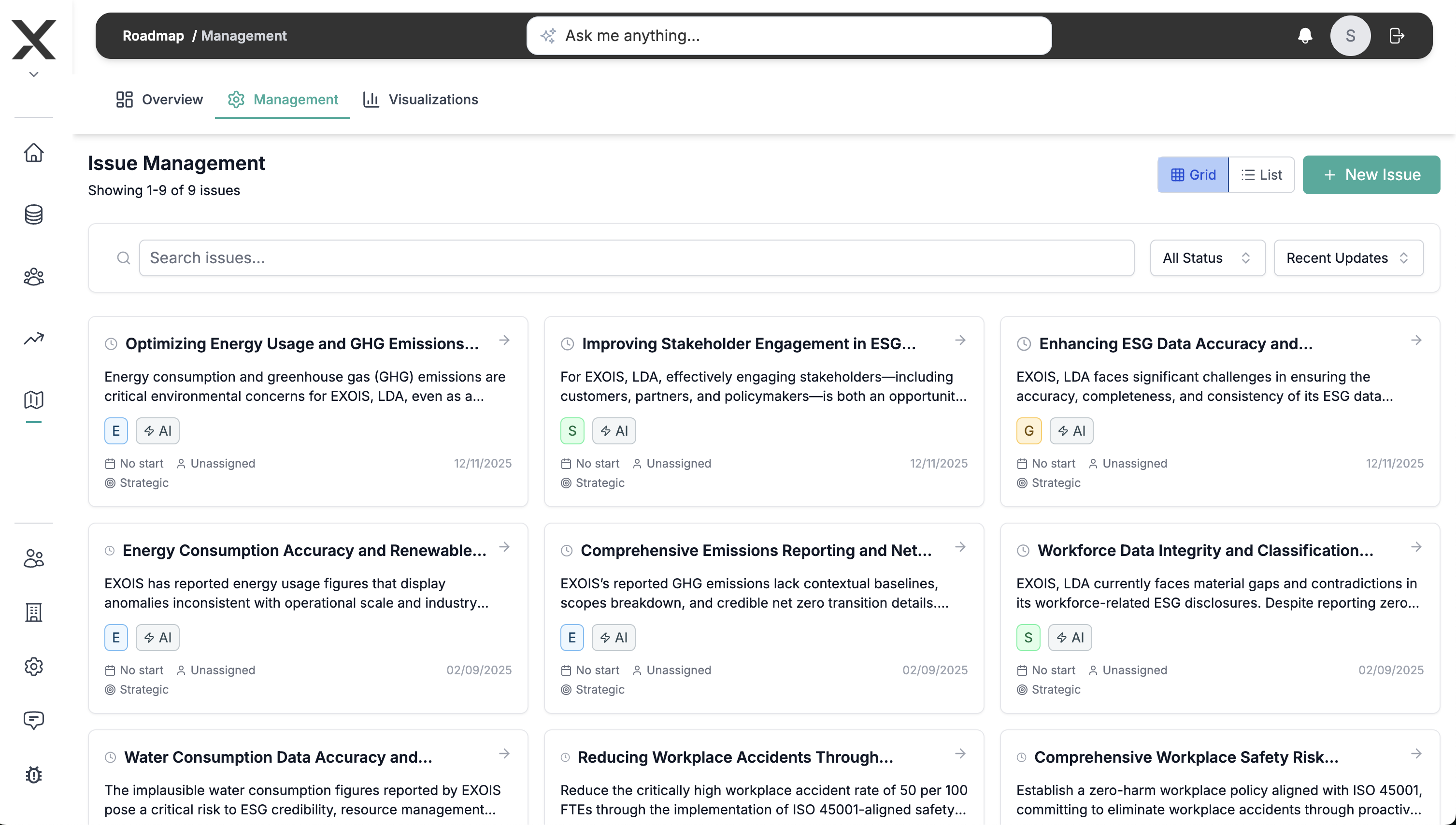
Risk Management helps you understand and manage ESG-related risks and opportunities. It's where you:
- Identify IROs - Impacts, Risks, and Opportunities
- Assess severity - Rate likelihood and magnitude
- Link to topics - Connect to material topics
- Assign ownership - Define who's responsible
- Track mitigation - Monitor action plans
- Report - Disclose risk management approach
What are IROs?
IROs (Impacts, Risks, and Opportunities) are the three types of ESG factors you need to manage:
Impacts
How your organization affects the environment and society:
- Negative impacts - Harm you cause (emissions, waste, labor issues)
- Positive impacts - Benefits you create (jobs, innovation, community support)
Risks
How ESG factors can harm your business:
- Physical risks - Climate events, resource scarcity
- Transition risks - Policy changes, market shifts
- Regulatory risks - Compliance requirements
- Reputational risks - Stakeholder backlash
Opportunities
How ESG factors can benefit your business:
- New products - Sustainable offerings
- Cost savings - Efficiency improvements
- Market access - ESG-conscious customers
- Talent attraction - Purpose-driven workforce
Key Capabilities
🔍 IRO Identification
Systematically identify all ESG factors:
- IRO library - Pre-loaded common IROs
- Custom IROs - Add organization-specific items
- Category filtering - Environmental, Social, Governance
- Topic linking - Connect to material topics
- Stakeholder input - Include stakeholder concerns
- Value chain IROs - Upstream and downstream
📊 Risk Assessment
Evaluate each IRO systematically:
- Likelihood scale - Probability (1-5)
- Magnitude scale - Impact severity (1-5)
- Time horizon - Short, medium, long-term
- Risk score - Auto-calculated (Likelihood × Magnitude)
- Risk rating - Low, Medium, High, Critical
- Heat map - Visual prioritization
🎯 Opportunity Assessment
Evaluate positive potential:
- Opportunity size - Potential benefit
- Feasibility - Ease of capture
- Time to value - When benefits realized
- Investment required - Resources needed
- Strategic alignment - Fit with business goals
🔗 Linkages
Connect IROs to other elements:
- Material topics - Which topics affected
- Stakeholders - Who's impacted or concerned
- Value chain - Where in the chain
- Policies - Relevant policies
- Actions - Mitigation or leverage plans
📋 Mitigation Planning
Define responses to risks:
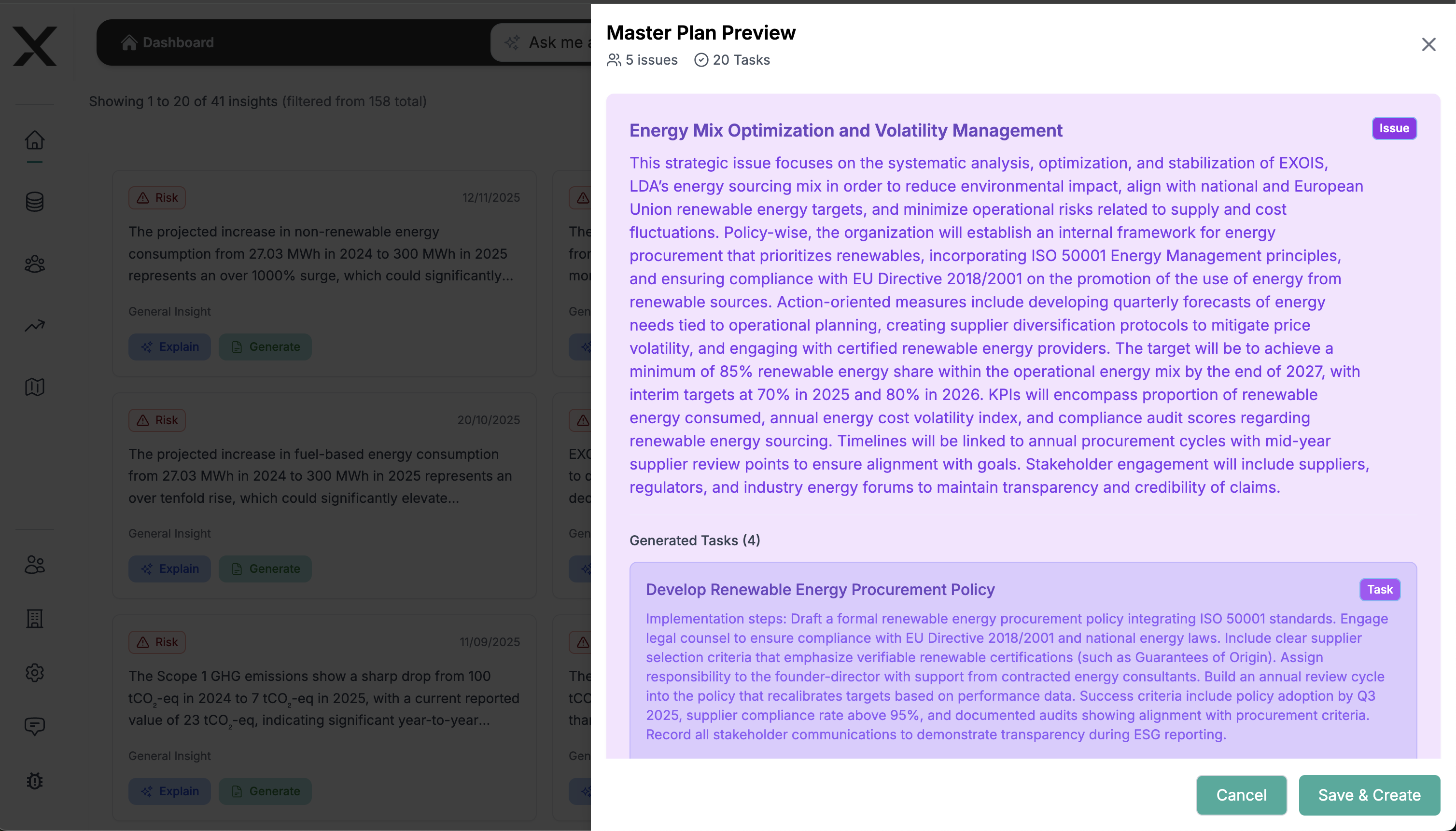
- Action plans - Specific initiatives
- Responsibility assignment - Who owns it
- Timeline - When it will be addressed
- Resources - Budget and people needed
- Success metrics - How to measure progress
- Status tracking - Monitor implementation
📈 Monitoring & Reporting
Track risk management over time:
- Risk trends - How risks evolve
- Mitigation effectiveness - Are actions working
- Emerging risks - New IROs identified
- Board reporting - Executive summaries
- ESG disclosures - TCFD, ESRS compliance
How AI agents help here
EXO.G’s ESG agents can support this module by:
- Helping you reason about IRO descriptions and severity.
- Suggesting possible mitigation actions and grouping them in plans.
- Highlighting IROs that deserve attention in insights views.
For a deeper look at these agents, see the Multi‑Agent ESG AI System.
How to Use Risk Management
Step 1: Identify IROs
- Go to Risk Management → IROs
- Click "Add IRO"
- Select IRO type:
- Impact (negative or positive)
- Risk (threat to business)
- Opportunity (potential benefit)
- Choose category: Environmental, Social, Governance
- Describe the IRO clearly
- Link to material topics
- Click "Create IRO"
Step 2: Assess Risks
For each risk IRO:
- Open the IRO
- Go to Assessment tab
- Rate Likelihood (1-5):
- 1 = Very unlikely
- 3 = Possible
- 5 = Very likely
- Rate Magnitude (1-5):
- 1 = Negligible impact
- 3 = Moderate impact
- 5 = Severe impact
- Select Time Horizon:
- Short-term (0-1 year)
- Medium-term (1-3 years)
- Long-term (3+ years)
- System calculates Risk Score (L × M)
- Review auto-assigned Risk Rating
Step 3: Link to Stakeholders
- Open an IRO
- Go to Stakeholders tab
- Click "Add Stakeholder Link"
- Select affected stakeholders
- Describe the relationship
- Save linkage
Step 4: Create Mitigation Plans
For high-priority risks:
- Open the risk IRO
- Go to Mitigation tab
- Click "Add Action Plan"
- Define:
- Action description - What you'll do
- Owner - Who's responsible
- Timeline - Start and end dates
- Budget - Resources required
- Success metrics - KPIs to track
- Link to Core actions (optional)
- Click "Create Plan"
Step 5: Monitor Progress
- Go to Risk Management → Dashboard
- View risk heat map
- Check mitigation progress
- Review overdue actions
- Update risk assessments regularly
Step 6: Use in Reporting
- Review your list of IROs and mitigation plans.
- Use this information as input when you prepare your ESG report.
Integration with Other Features
← Materiality
Material topics inform risk identification.
Example: Climate identified as material → Identify climate-related risks and opportunities
← Value Chain
Value chain data reveals supply chain risks.
Example: Single-source supplier → Creates supply chain continuity risk
→ Core
Risk mitigation actions tracked in Core.
Example: Climate risk mitigation plan → Actions created in Core project
← Performance
Performance metrics indicate risk levels.
Example: Rising emissions → Increases transition risk severity
← Collaboration
Risk owners assigned via collaboration.
Example: Climate risk → Assigned to Sustainability Director
Risk Management Frameworks
TCFD (Task Force on Climate-related Financial Disclosures)
Four pillars:
- Governance - Board oversight
- Strategy - Climate impacts
- Risk Management - Process for managing risks
- Metrics & Targets - Performance measurement
ESRS E1 (Climate Change)
Required elements:
- Transition risks - Policy, technology, market, reputation
- Physical risks - Acute and chronic
- Climate-related opportunities
- Scenario analysis
Enterprise Risk Management (ERM)
Integrate ESG into overall risk framework:
- Identify - All risk types
- Assess - Probability and impact
- Prioritize - Risk appetite
- Mitigate - Response strategies
- Monitor - Ongoing oversight
Best Practices
Be Systematic
- Use consistent assessment criteria
- Apply framework (TCFD, ESRS)
- Document methodology
- Regular review cycle (annual minimum)
Involve the Right People
- Board oversight
- C-suite sponsorship
- Cross-functional teams
- External expertise where needed
Prioritize Ruthlessly
- Focus on material risks
- Don't spend too much time on low risks
- Allocate resources to high priorities
- Balance short and long-term
Link to Strategy
- Connect risks to business objectives
- Integrate into business planning
- Include in capital allocation
- Board-level reporting
Monitor Continuously
- Track leading indicators
- Update assessments when circumstances change
- Review mitigation effectiveness
- Adjust plans as needed
Common Questions
How many IROs should we identify?
Start with 10-20 most significant IROs. Expand to 30-50 for comprehensive coverage. Don't try to list everything - focus on material items.
How do we score likelihood and magnitude?
Use consistent definitions (document your scale). Consider historical data, expert judgment, and scenario analysis. Review scores with cross-functional team.
Should we assess all risks the same way?
Use consistent methodology for comparability, but adjust detail level. High-priority risks need deeper analysis. Low risks can be monitored more simply.
How often should we update risk assessments?
Annual reviews minimum. Update immediately for significant changes (new regulations, major incidents). Quarterly reviews for high-priority risks.
How do we integrate with financial risk management?
Work with CFO/risk team to align methodologies. Use common risk scales. Include ESG risks in enterprise risk register. Report ESG risks to audit committee.
Next Steps
- Materiality Overview - Identify material topics first
Need Help?
- In-app help: Click the ? icon in any screen
- Video tutorials: Watch how-to videos
- Support: support@exo.com